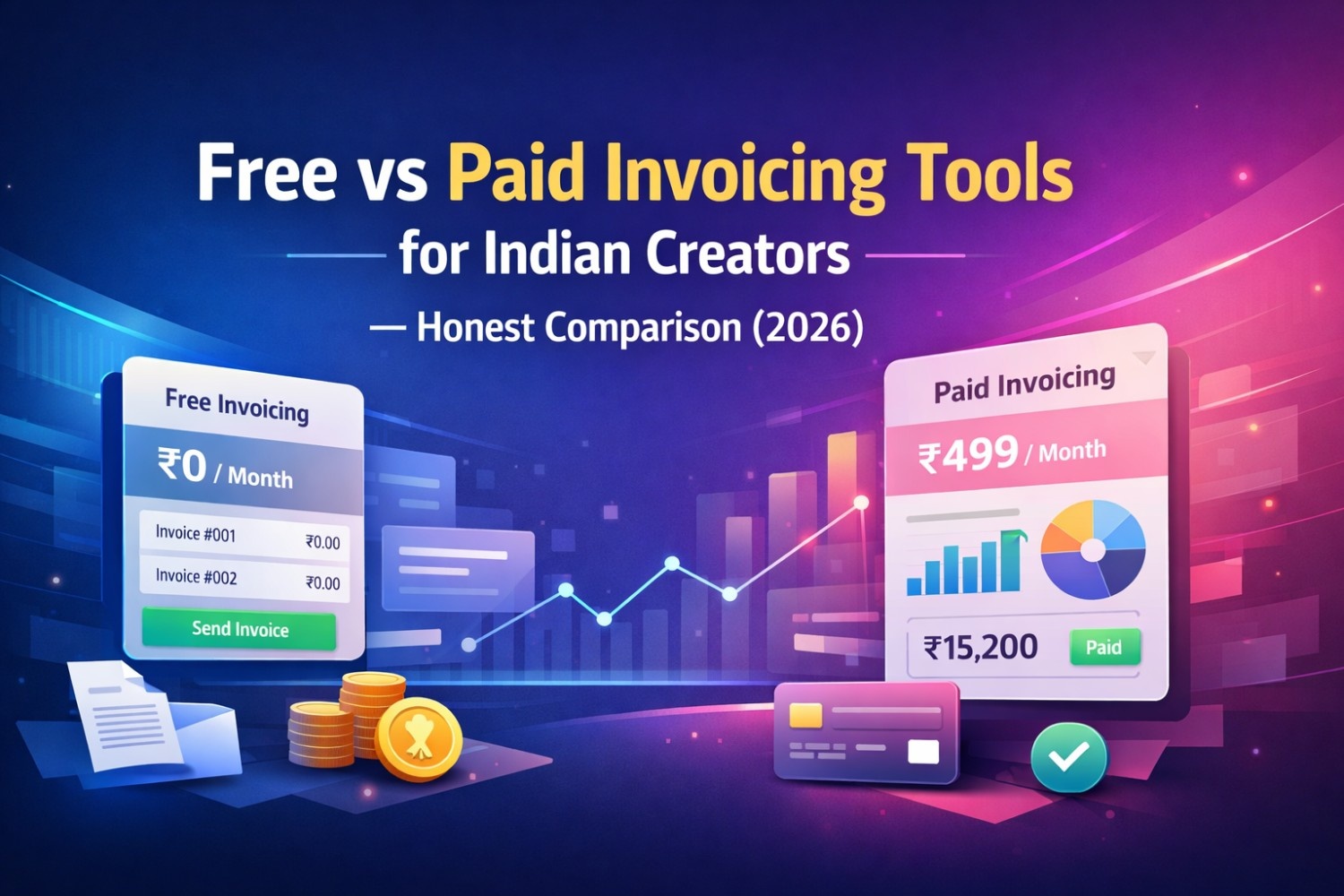
Free vs Paid Invoicing Tools for Indian Creators — Honest Comparison (2026)
Looking for the best invoicing tool as an Indian creator? We compare free vs paid options across GST compliance, WhatsApp delivery, TDS support & more.
Introduction — Why Most Creators Are Using the Wrong Tool
You just wrapped a ₹75,000 brand deal. The brand's finance team asks for a GST-compliant invoice with your GSTIN, SAC code, TDS clause, and sequential invoice number.
You open Google Docs. Or worse — WhatsApp the brand a photo of a handwritten note.
Sound familiar?
Here's the truth: most Indian creators are still invoicing like it's 2015. Spreadsheets, Word documents, Google Docs — tools that were never designed for GST compliance, TDS tracking, or professional payment collection.
In 2026, with the creator economy crossing ₹2,200 crore in India and brands running increasingly structured procurement processes, your invoice is more than a payment request. It is your professional identity. A rejected or non-compliant invoice delays payment, sometimes by weeks.
This guide compares free and paid invoicing tools honestly — so you can pick the right one based on where you are in your creator journey.
What Should a Good Invoicing Tool Do for Indian Creators?
Before comparing tools, it's important to define what "good" means for an Indian creator specifically — because most global invoicing tools are built for Western markets and miss critical India-specific requirements.
GST Compliance (Non-Negotiable)
Your tool must auto-calculate CGST + SGST or IGST based on state codes. It should support SAC codes for services and generate invoices that meet Indian GST law requirements. Without this, your invoice is technically invalid — and brands can reject it.
TDS Support
TDS deduction under Section 194J is standard practice for brand payments above ₹30,000. Your invoicing tool should display the TDS clause, calculate net payable after deduction, and make this visible on the invoice PDF.
Sequential Invoice Numbering
The GST Act requires invoices to be sequentially numbered. Random or duplicate invoice numbers can trigger compliance issues. Your tool should auto-generate and track invoice numbers.
Professional PDF Output
A clean, branded PDF that looks trustworthy to a brand's finance team. This is basic — but many free tools produce poorly formatted output that reflects badly on you.
Payment Collection
The ability to add a payment link (Razorpay, Stripe, UPI) to your invoice so brands can pay directly — without requiring a separate email chain.
Delivery Options
Sending invoices via email is standard. WhatsApp delivery is a significant advantage in India, where brand managers respond faster in chat than email.
Free Invoicing Tools — What You Get and Where They Fall Short
Free tools have improved significantly. For creators just starting out — earning under ₹5-8 lakhs annually from brand deals — a free tool can absolutely serve basic needs. Here is an honest look at your options.
Google Docs / Microsoft Word
Cost: Free Best for: Absolute beginners with 1-2 invoices per month
The most common approach — download a template, fill in details manually, export as PDF. It works, but barely.
Where it fails:
- No GST auto-calculation — you do math manually and risk errors
- No sequential numbering — you maintain your own log
- No payment links — you share bank details separately
- No TDS field — you add it manually every time
- No tracking — you have no idea if the brand opened your invoice
- No reminders — follow-up is entirely manual
For a one-time brand deal, this is acceptable. For anyone managing 3+ brands consistently, this approach becomes a liability.
Excel / Google Sheets Templates
Cost: Free Best for: Creators comfortable with spreadsheets
Excel-based invoice templates are a step above Word docs. You can set up formulas for GST calculation, maintain a running invoice log, and track payment status manually.
Where it fails:
- GST formula errors are common — especially when switching between IGST and CGST/SGST
- No payment links or delivery options
- No reminder system
- Formatting often breaks when exported to PDF
- Data stays local — no cloud backup or team access
If you are disciplined, sheets work. But one wrong formula on a ₹2,00,000 invoice can create a compliance headache that takes weeks to resolve.
Zoho Invoice (Free Plan)
Cost: Free up to 1,000 invoices/year Best for: Creators who need a structured tool without paying
Zoho Invoice is a genuinely capable free tool with GST support, invoice templates, and basic payment tracking. It is widely used by Indian freelancers.
Strengths:
- GST-compliant invoices with CGST/SGST/IGST logic
- Sequential invoice numbering
- Email delivery with tracking (open/view notifications)
- Basic payment collection via payment links
- Multi-currency support (useful for international deals)
Where it falls short for creators:
- No WhatsApp delivery — critical in the Indian brand ecosystem
- No built-in TDS clause field — you add it as a custom note manually
- Interface is designed for general businesses — not creator-specific workflows
- No brand/campaign CRM — you manage deals separately
- Limited mobile experience
Zoho Invoice is the strongest free option for creators who need basic GST compliance. The absence of WhatsApp delivery and a native TDS field are notable gaps.
Invoice Ninja (Free Plan)
Cost: Free (self-hosted or limited cloud) Best for: Tech-savvy creators who want customisation
Invoice Ninja is powerful and open-source but requires technical setup for self-hosting. The cloud free plan is limited and the interface has a steep learning curve.
Where it falls short:
- India-specific GST logic requires manual configuration
- No WhatsApp support
- Overkill for most creators
Not recommended unless you have a technical background and very specific needs.
Paid Invoicing Tools — When the Investment Makes Sense
H3: When Should a Creator Move to a Paid Tool?
The tipping point is usually one or more of the following:
- You are managing 5+ active brand deals simultaneously
- Your monthly invoicing exceeds ₹1,00,000
- You have a manager or CA who needs access to your financial data
- A brand has rejected or questioned one of your invoices
- You are spending more than 2 hours per month on invoicing and follow-up
- You need WhatsApp reminders to chase brand payments faster
At this point, the cost of a paid tool (₹499–₹999/month) is recovered the moment it helps you collect even one delayed payment faster.
QuickBooks Online (India)
Cost: Starting ~₹750/month Best for: Creators with complex accounting needs
QuickBooks is the global gold standard for accounting software. The India version supports GST and integrates with many banks.
Strengths:
- Comprehensive accounting — P&L, balance sheet, tax reports
- GST return preparation support
- Bank reconciliation
- CA-friendly reports
Where it falls short for creators:
- Significantly over-engineered for most creators — you pay for features you never use
- No WhatsApp delivery
- No creator-specific workflow (brand CRM, campaign tracking)
- Expensive for what a creator actually needs
- Interface designed for accountants, not creators
Verdict: Best suited if you have a registered business entity and a CA who already uses QuickBooks. Not the right first tool for a solo creator.
Razorpay Invoices
Cost: Free to create invoices; transaction fees apply on payments Best for: Creators who primarily want payment links
Razorpay's invoicing feature is clean and functional. You create an invoice, attach a payment link, and share it. The brand pays via UPI, card, or net banking.
Strengths:
- Seamless payment collection via Razorpay's infrastructure
- Clean invoice PDF
- UPI, card, net banking all supported
- Works well for quick payment requests
Where it falls short:
- Not designed for GST compliance management
- No TDS field
- No invoice tracking beyond payment status
- No brand/campaign management
- No WhatsApp-native delivery
Verdict: Great as a payment collection layer — not as a complete invoicing solution. Many creators use Razorpay alongside another invoicing tool.
AdivoQ (Built for Indian Creators)
Cost: Free plan (5 invoices/month) → ₹499/month (Starter) → ₹999/month (Professional) Best for: Indian content creators and influencers managing brand deals
AdivoQ is the only invoicing platform built specifically for the Indian creator economy. Every feature is designed around how creators actually work — not how accountants or general businesses work.
Strengths:
- Auto CGST/SGST vs IGST detection based on state codes
- SAC code library built in
- TDS field with auto net payable calculation
- Sequential GST-compliant invoice numbering
- WhatsApp delivery — send invoices and reminders directly in chat
- Payment links via Razorpay and Stripe
- Brand and campaign CRM — manage all deals in one place
- Revenue analytics by brand and campaign
- Tax-ready reports for your CA
- Team access — invite your manager or accountant
Where it could improve:
- Bank reconciliation is not available yet (on the roadmap)
- No mobile app currently — web only
- Relatively newer platform compared to established global tools
Verdict: The most complete solution for Indian creators. If your primary business is brand collaborations and influencer marketing, AdivoQ solves the exact problems you face — without the complexity of accounting software designed for general businesses.
Side-by-Side Comparison Table
| Feature | Google Docs | Zoho Invoice (Free) | QuickBooks | AdivoQ |
|---|---|---|---|---|
| Price | Free | Free | ~₹750/mo | Free–₹999/mo |
| GST Auto-Calc | ❌ Manual | ✅ Yes | ✅ Yes | ✅ Yes |
| CGST/SGST vs IGST | ❌ Manual | ⚠️ Partial | ✅ Yes | ✅ Auto-detect |
| SAC Code Support | ❌ | ⚠️ Manual | ⚠️ Manual | ✅ Built-in |
| TDS Field | ❌ | ⚠️ Custom note | ⚠️ Workaround | ✅ Native |
| Sequential Numbering | ❌ Manual | ✅ Yes | ✅ Yes | ✅ Yes |
| WhatsApp Delivery | ❌ | ❌ | ❌ | ✅ Yes |
| Payment Links | ❌ | ✅ Basic | ✅ Yes | ✅ Razorpay + Stripe |
| Invoice Tracking | ❌ | ✅ Basic | ✅ Yes | ✅ Yes |
| Brand/Campaign CRM | ❌ | ❌ | ❌ | ✅ Yes |
| Team Access | ❌ | ⚠️ Limited | ✅ Yes | ✅ Yes |
| Tax Reports for CA | ❌ | ✅ Basic | ✅ Detailed | ✅ Yes |
| Creator-Specific UX | ❌ | ❌ | ❌ | ✅ Yes |
Which Tool Should You Choose? — Decision Guide
Choose Google Docs / Sheets If...
- You are just starting out with your first 1-2 brand deals
- Your annual income from brands is under ₹3 lakhs
- You are not yet GST registered
- You want zero cost and zero setup
Choose Zoho Invoice Free If...
- You have 3-8 brand deals per month
- You need GST compliance without spending anything
- You are comfortable manually adding TDS clauses
- WhatsApp delivery is not critical for your workflow
Choose QuickBooks If...
- You have a registered Pvt Ltd or LLP entity
- You have a CA who manages your full accounting
- You need comprehensive P&L and balance sheet reporting
- Brand invoicing is only one part of a larger business operation
Choose AdivoQ If...
- Brand deals and sponsored content are your primary income
- You want GST + TDS handled automatically without errors
- WhatsApp reminders are important for chasing payments
- You want your manager or CA to have access without sharing passwords
- You want a tool designed specifically for how creators work
The Hidden Cost of Using the Wrong Tool
Many creators default to free tools because they focus only on the upfront cost. But the real cost of using an inadequate invoicing tool is harder to see:
Delayed payments — A non-compliant or unclear invoice goes through multiple rounds of correction before finance teams approve it. Every round costs you 3-7 days.
Tax filing errors — Manual GST calculations introduce errors that can surface during return filing, requiring amendments and potentially attracting notices.
Missed TDS credits — If TDS isn't properly documented on your invoice, reconciling it during ITR filing becomes complicated.
Professional perception — A poorly formatted invoice from a Google Doc signals to brand teams that you're a hobbyist, not a professional. It can affect negotiating power on future deals.
Time cost — Two hours per month spent on invoicing = 24 hours per year. At a creator's billing rate of ₹2,000/hour, that's ₹48,000 worth of your time — far more than any paid tool costs.
Frequently Asked Questions
Is a free invoicing tool enough for GST compliance in India?
For creators below the GST registration threshold (₹20 lakhs annual turnover), any basic tool works since GST doesn't apply. Once you cross the threshold and register, you need a tool that handles CGST/SGST vs IGST logic, SAC codes, and sequential numbering correctly. Zoho Invoice's free plan covers basics; AdivoQ covers the full creator-specific workflow.
Can I use UPI for brand payments without an invoicing tool?
You can request payment via UPI, but you still need to issue a proper GST invoice for every transaction if you are registered. UPI is just the payment method — the invoice is a separate legal requirement.
Do I need accounting software or invoicing software?
Most creators need invoicing software, not full accounting software. Accounting software (like QuickBooks or Tally) is designed for businesses with inventory, multiple revenue streams, and complex reporting needs. If your income is primarily from brand deals, an invoicing tool with GST and TDS support is sufficient.
What happens if I issue duplicate invoice numbers?
Duplicate invoice numbers can cause issues during GST return filing and may flag your account for scrutiny. Always use a tool that auto-generates sequential numbers — never manually number invoices.
How do I switch from Google Docs to a proper invoicing tool?
Start by listing all your active brands and their GSTIN details. Then set up your invoicing tool with your GSTIN, bank account details, and invoice number starting point (continue from your last manual invoice number to maintain continuity). Most tools complete onboarding in under 10 minutes.
Conclusion — The Right Tool at the Right Stage
There is no single right answer for every creator. A nano-influencer with 2 brand deals a month has different needs than a full-time YouTuber managing 15 active campaigns.
What matters is that your invoicing tool grows with you — and that it doesn't create compliance problems that cost you more than it saves.
Here's the simple framework:
- Just starting → Google Docs or Zoho Invoice Free
- Growing (5+ deals/month) → AdivoQ Starter
- Full-time creator with manager/CA → AdivoQ Professional
- Registered business with complex accounting → QuickBooks + AdivoQ together
The creator economy in India is professionalising rapidly. Brands are increasingly working with finance teams who require proper documentation, TDS compliance, and GST-valid invoices. Meeting that standard isn't just good practice — it's how you get paid faster, build trust with brands, and protect yourself from tax notices.
Start with the right tool today — your future self (and your CA) will thank you.
Try AdivoQ Free — No Credit Card Required → Generate a Free GST Invoice Now →
Written by
Super Admin
Sharing insights about invoicing, freelancing, and business growth to help creators succeed.
Related Articles
View all
Free Tax Calculator 2026: Calculate Income Tax, GST & Business Taxes Online
May 04, 2026 · 7 min
Free Invoice Templates 2026: Download Professional Invoices for Any Business
May 04, 2026 · 8 min
Free Invoice Generator: Create Professional Invoices in Minutes
Apr 27, 2026 · 6 min
Ready to streamline your invoicing?
Join 2,000+ creators already using InvoiceHero to get paid faster.
Start Free Now